Code
VS Code, Xcode, Cursor, or any editor project window.

Developer workspace
A modern coding session rarely lives in one app. You may need Codex, VS Code, Terminal, Chrome, docs, and a running preview. InfyniDock workspaces help you activate those windows and apply the layout you saved for the project.
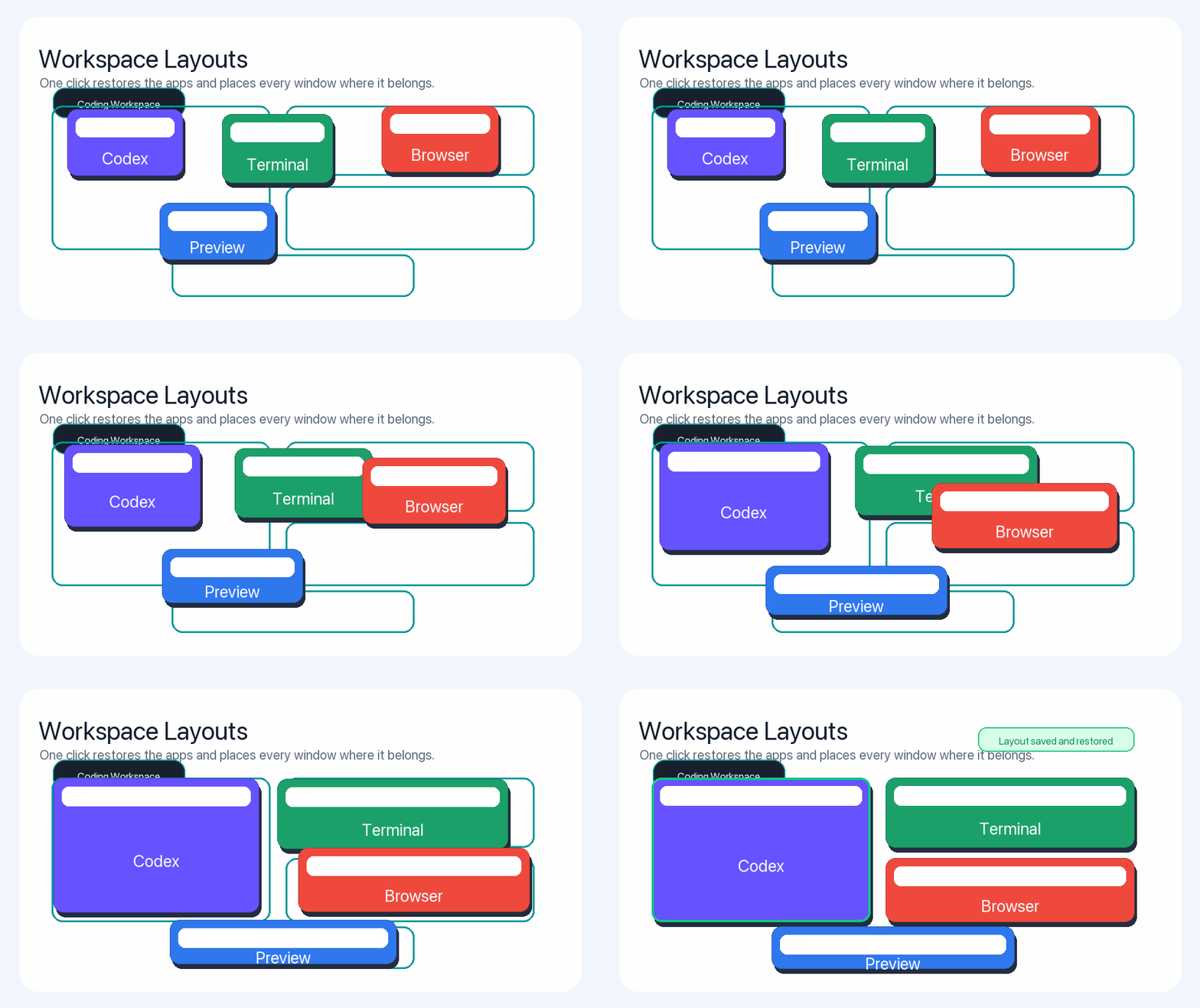
Save the windows you already use, arrange them once, then bring the whole project back when you need it. This makes context switching between client work, app development, documentation, and debugging feel much lighter.
VS Code, Xcode, Cursor, or any editor project window.
Terminal, iTerm, logs, test output, or local service dashboards.
Chrome previews, documentation, design references, or issue trackers.
InfyniDock can group the apps and windows used for a project, such as VS Code, Terminal, Chrome, Codex, and documentation, then restore those windows and layouts from a single workspace entry.
Yes. InfyniDock workspaces can save and apply layouts for selected windows, helping users return to a coding, debugging, research, or writing setup faster.
No. The same workflow works for researchers, designers, writers, support teams, and anyone who repeatedly opens the same set of windows for a task.