Start with a repeated task
Open two Finder locations, two browser windows, or two editor projects you switch between during real work. Use these same windows throughout setup.
Install and grant the requested permissions
Download the official DMG and follow the setup guide. Accessibility enables supported window control; Screen Recording enables previews and Mini Window. Check two ordinary windows before testing a complex desktop.
Choose one access mode
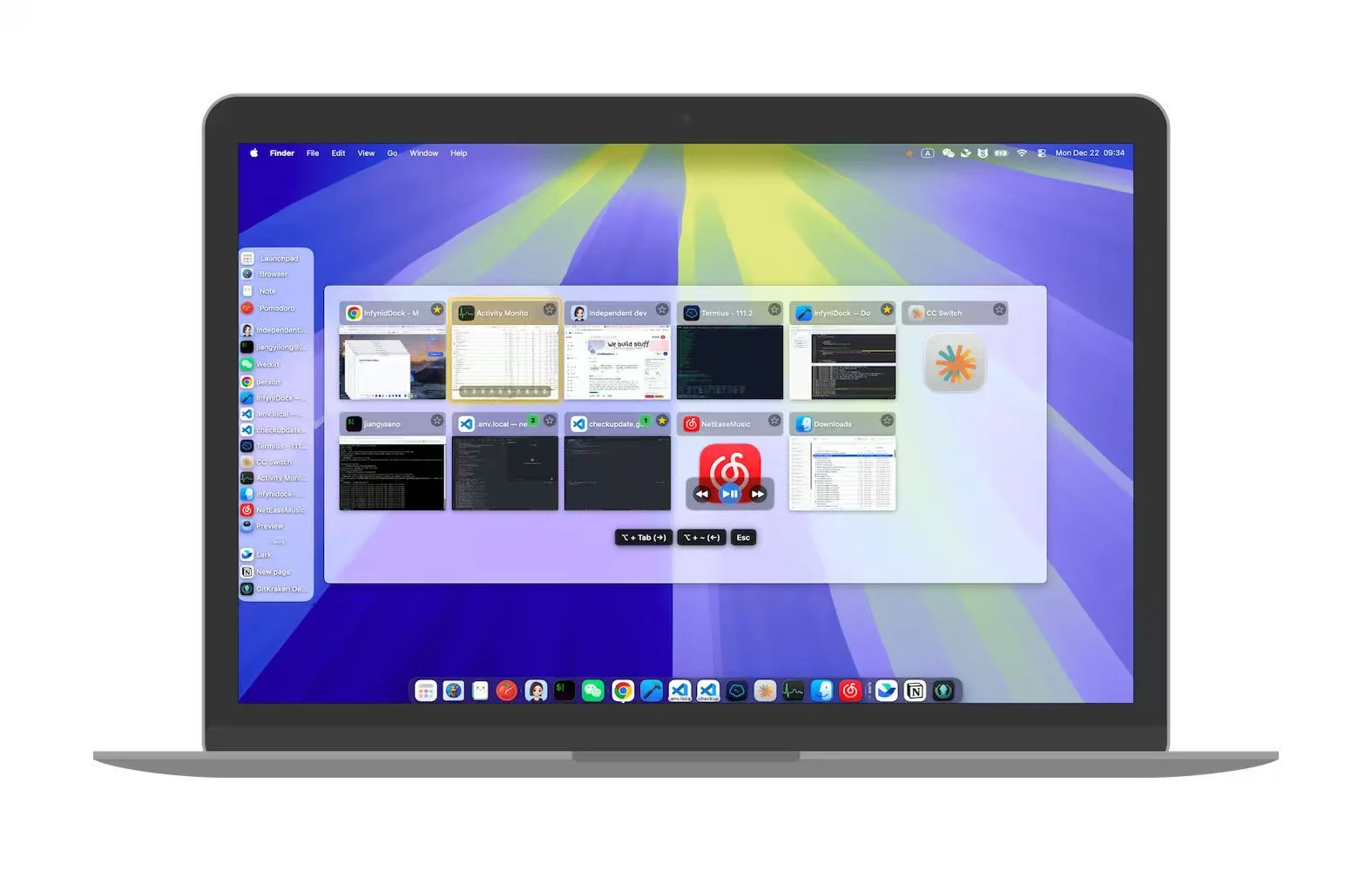
Try FloatDock for a temporary keyboard selector, Notch Dock for a top-of-screen tray, or Full Dock for persistent app and window access. Check the configured shortcuts and avoid a combination already used by another utility.
Organize only what you need
Use a Dock folder to group related application launchers. Save a Dock profile when you want to reuse its arrangement and settings. Use a workspace for supported open-window groups and layouts.
Check Spaces and external monitors
Repeat your window-selection task on the desktops and displays you use. Make sure the target title, preview, activation, and position match your expectations before relying on the setup.