Quick return
Tap the shortcut to jump back to the previous window when you are moving between two contexts.

FloatDock
Use InfyniDock from the keyboard when you do not want to travel to the Dock. Tap to return quickly, or hold to bring up a floating switcher that lets you choose the precise window.
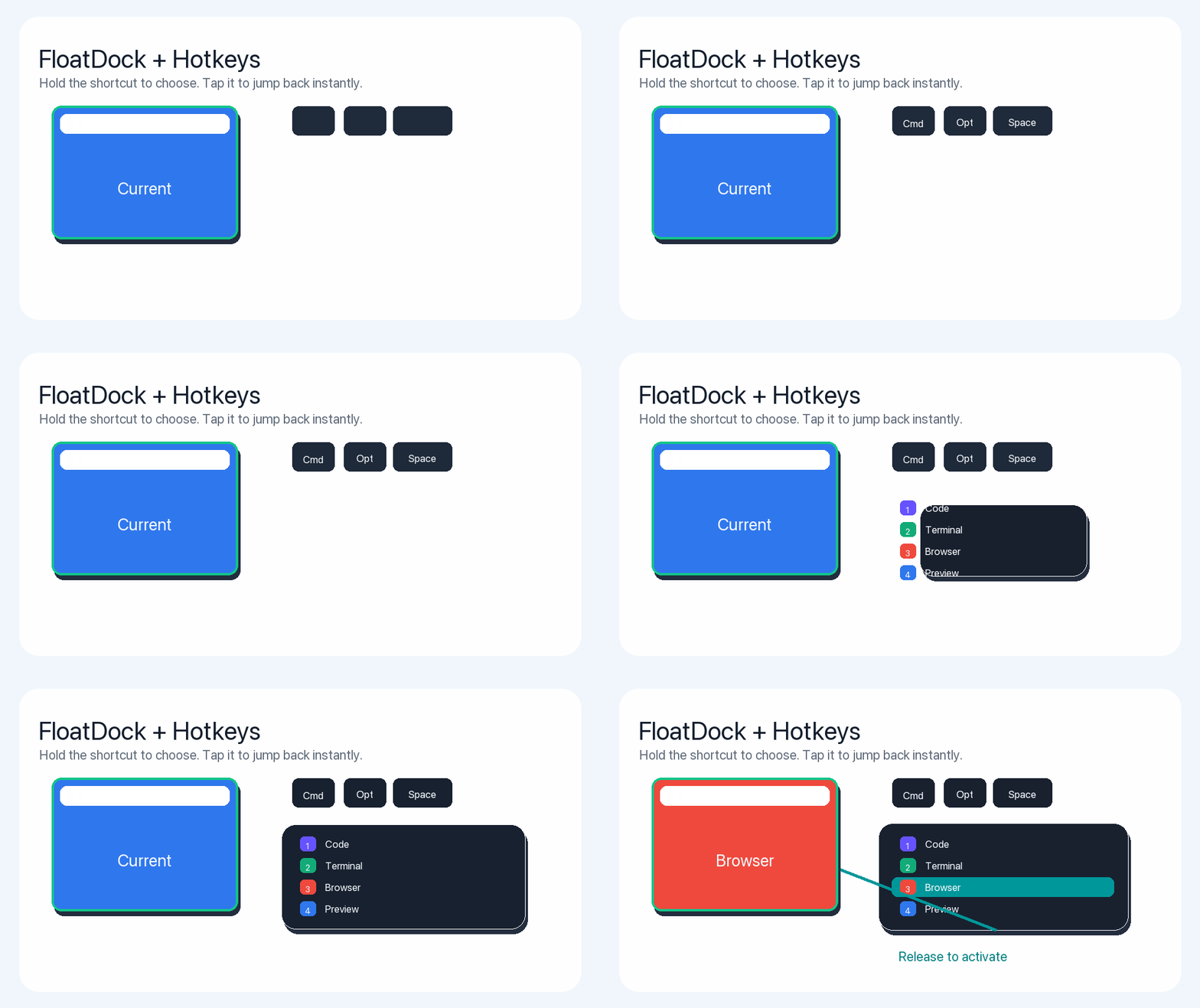
App switchers are fast until the app has five windows. FloatDock keeps the speed of a shortcut while still showing the window-level targets that matter in real work.
Tap the shortcut to jump back to the previous window when you are moving between two contexts.
Open the floating selector when you need to pick from several browser, editor, or terminal windows.
Use the Dock when visual targets help, and FloatDock when your hands are already on the keyboard.
FloatDock is InfyniDock's floating window switcher. It is designed for quick keyboard-driven switching when reaching for the Dock would interrupt the flow.
Command-Tab is primarily app-level. FloatDock is designed around window-level choices, so users can pick the exact browser, editor, terminal, document, or project window.
Yes. InfyniDock supports shortcut-driven workflows, including quick switching and opening a floating selector when you want to choose a specific window.
No. FloatDock is an on-demand window selector. It can coexist with the native Dock, or you can use InfyniDock's Full Dock mode when you want a persistent Dock replacement.
Yes. Open InfyniDock settings and record the shortcut that fits your keyboard workflow. FloatDock is designed to be opened when you need it, not to occupy the screen all day.