Press ⌃⌥M
On the window you want to keep an eye on. It shrinks into a mini window and you're sent back to what you were doing.

Mini Window · New in InfyniDock 2.22.4
On your phone, you can shrink a video into a small floating window and keep doing something else. Mini Window does that on your Mac, for any window: a build, a coding agent, a live game, a group chat. It stays live, floats above everything, and takes you back with one click.
14-day free trial · macOS 13 or later · One-time purchase
On the window you want to keep an eye on. It shrinks into a mini window and you're sent back to what you were doing.
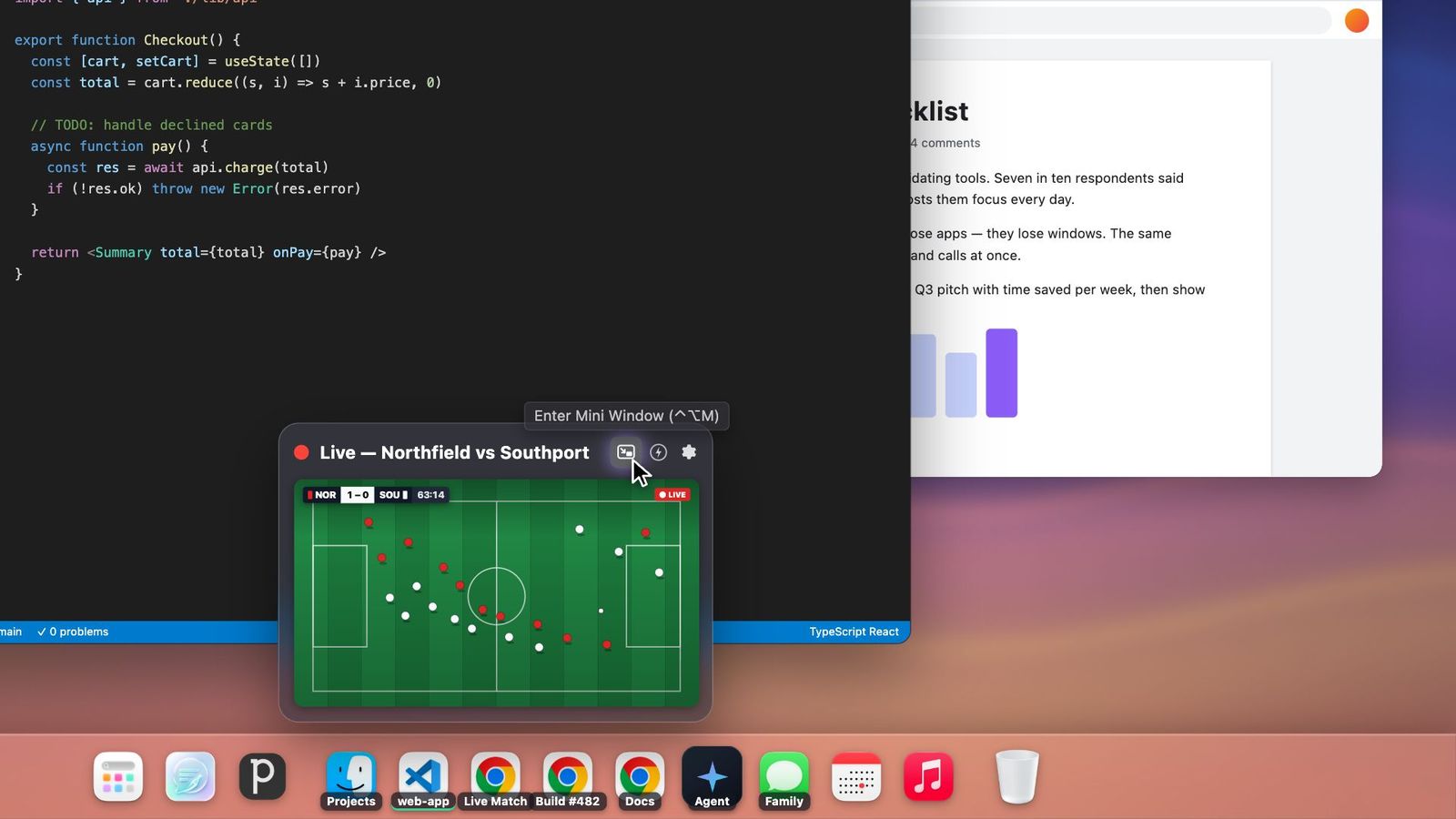
Window already in the background? Hover over it in the Dock and click the mini window button in its preview.
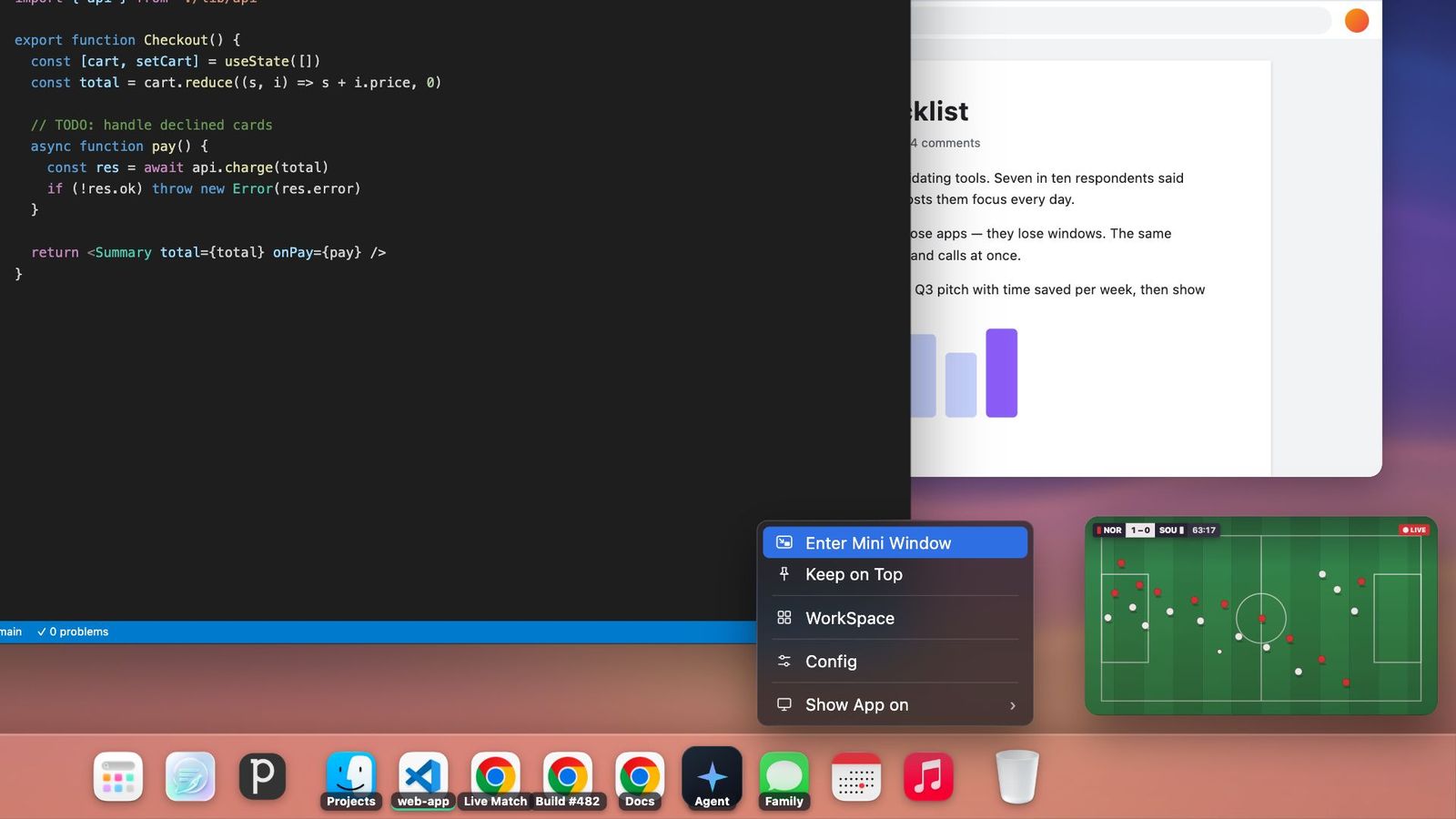
Right-click the window in the Dock and choose Enter Mini Window.

Keep the movie playing and the agent working, and see both. The moment the task finishes, you'll see it in the corner. Click the mini window and you're back in the full window, right where you left it. Switch away again and the mini window comes back on its own.
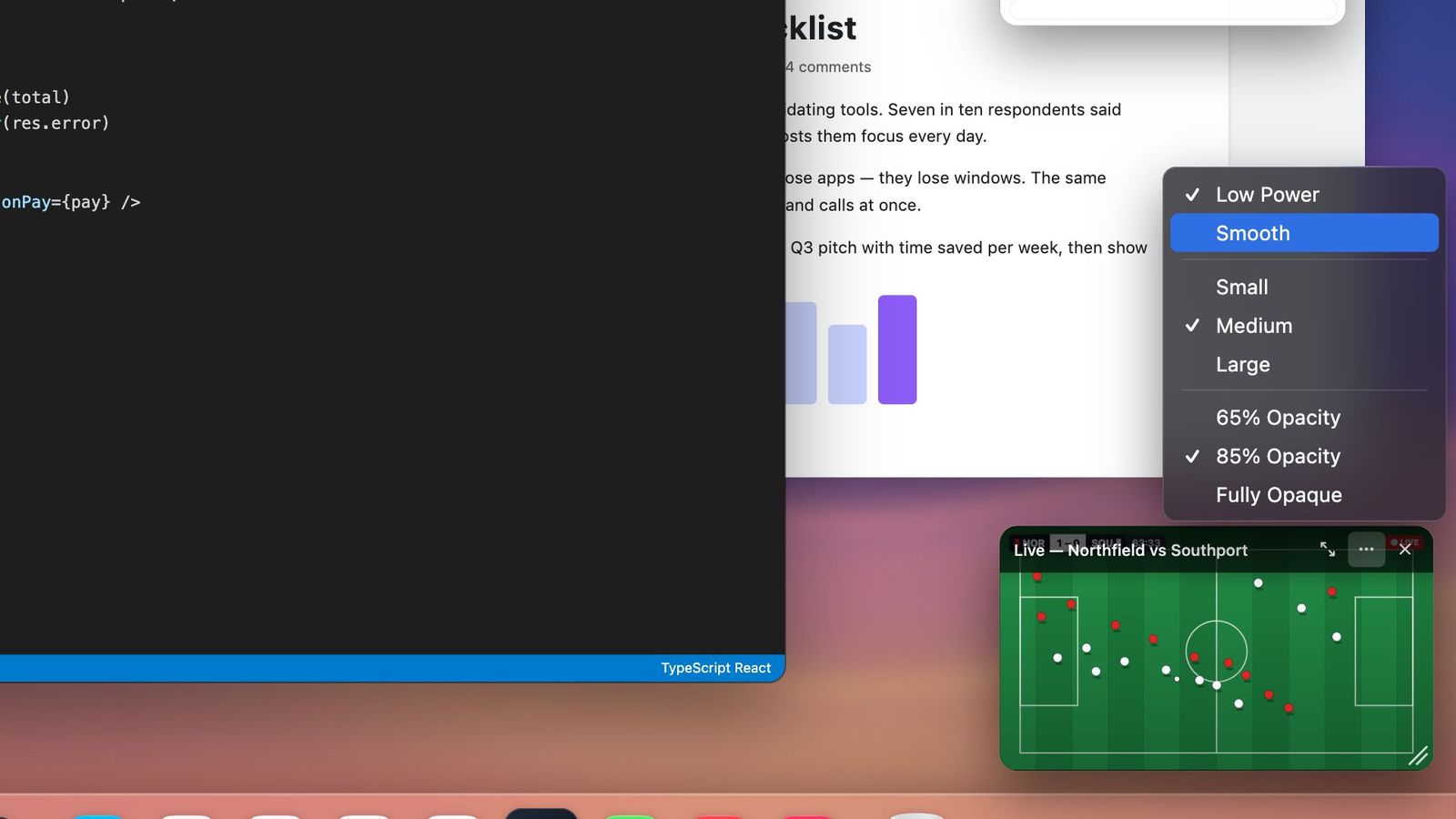
Drag it anywhere and pull the corner to resize. It sits at 85% opacity so it stays out of the way, and sharpens to 100% when you hover. The options menu switches between Small, Medium, and Large, 65%, 85%, or fully opaque, and Low Power or Smooth.
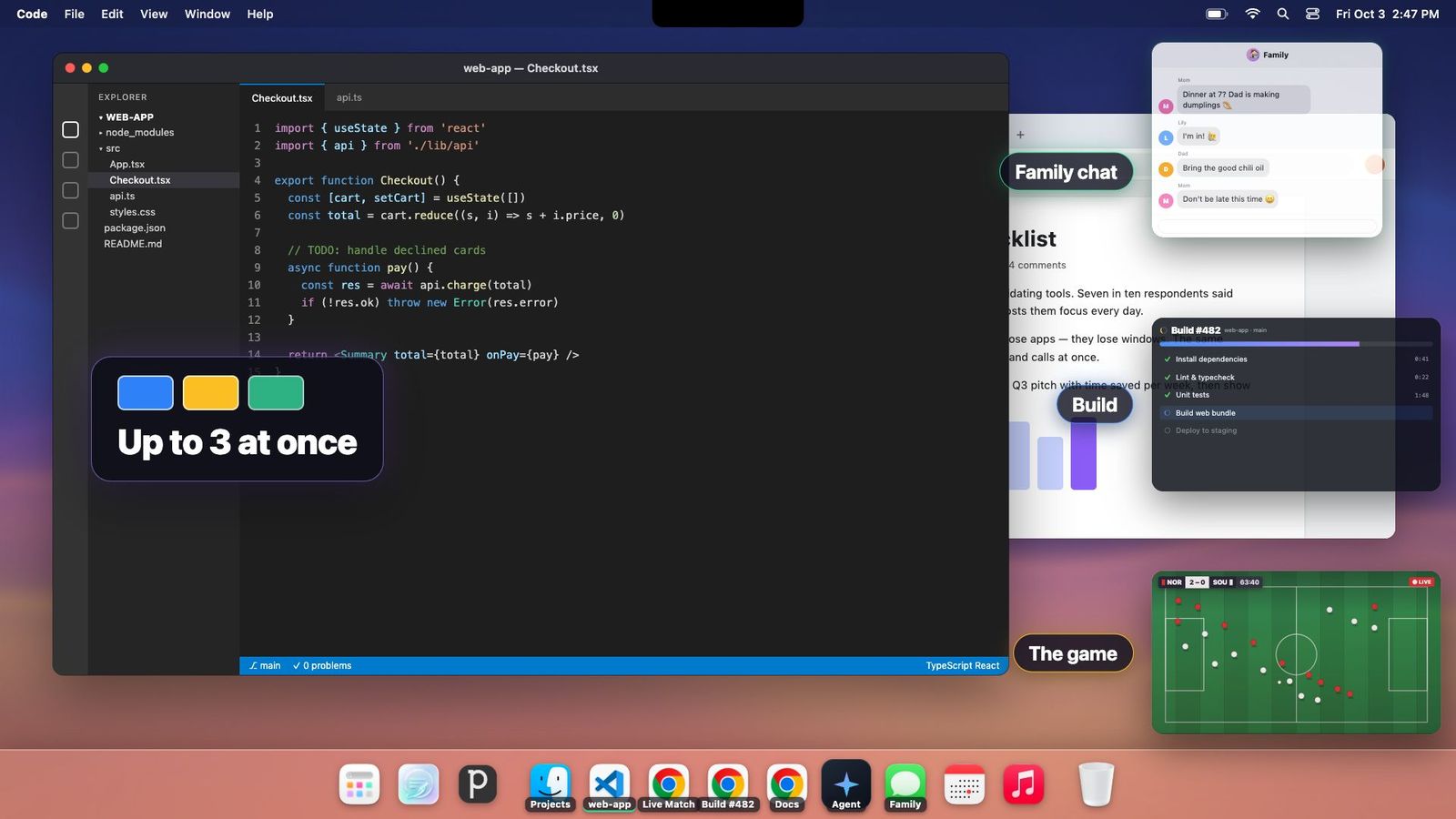
A build. The big game. The family chat. Keep up to three mini windows in view while you get real work done.
Mini Window captures only what it needs. Step away and it slows to 1 frame per second after 5 minutes, then pauses after 15. It also pauses while the original window is in front of you.
15 fps
Low Power, the default
30 fps
Smooth mode, one click away
Sized to fit
Captures only what the panel shows
Stops instantly
When you close it or your Mac sleeps
Mini Window is an InfyniDock feature that shrinks any Mac window into a small, live, floating panel. The panel keeps updating, stays above your other windows, and takes you back to the full window with one click.
Yes. A mini window floats above full-screen apps, so you can watch a full-screen movie or work in a full-screen editor while keeping an eye on another window.
Press Control-Option-M on the window you want to keep an eye on. You can also hover over a window in the Dock and click the mini window button in its preview, or right-click the window in the Dock and choose Enter Mini Window. You can change the shortcut in Settings → Shortcuts.
You return to the original window. The mini window hides while that window is active and reappears when you switch away. Close the mini window, or press the shortcut again, to turn it off.
Up to three at the same time.
Mini Window is built to be light. It refreshes at 15 frames per second by default (30 in Smooth mode), captures only what the small panel needs, drops to 1 frame per second after 5 minutes without input, pauses after 15 minutes, and stops when you close it or your Mac or display sleeps. It also pauses while the original window is in front of you.
No new ones. Mini Window uses the same Screen Recording permission InfyniDock already uses for live window previews.
Mini Window is included in InfyniDock 2.22.4 and later, on macOS 13 or later. If you already have a license, choose Check for Updates in InfyniDock to get it. New users can try it free for 14 days.